v2.0.1 — Now with Trend Graph & Smart Calendar
DETAINED?
The ultimate vibe check for your PSIT attendance.
Free forever • Open Source • 100% Privacy
The ultimate vibe check for your PSIT attendance.
Free forever • Open Source • 100% Privacy
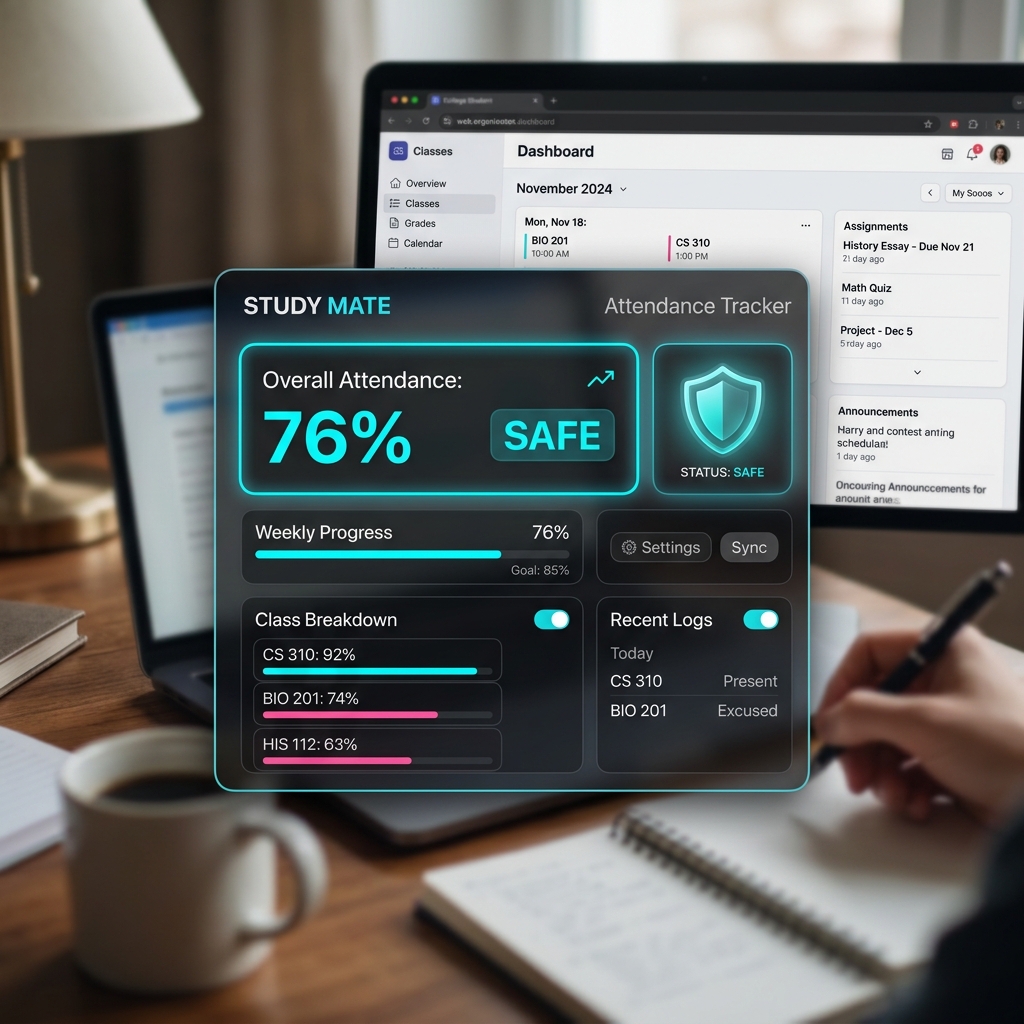
Live attendance % with OA adjustments, status badge (SAFE / CLOSE / BELOW GOAL), and per-lecture delta chips — right inside the ERP page.
Tells you exactly how many days and lectures you can skip against your personal goal. Updates in real-time as you change the goal %.
Enter planned days/lectures to skip and instantly see your projected attendance. Know before you go.
Set your last academic day. Get projected end-of-semester %, leave headroom, class days remaining — with full Mon–Sat schedule support.
Visual history of every day's attendance + a predicted projection line. Hover any point to see exact date and percentage.
Dual-month inline calendar for setting custom lecture ranges. Past dates disabled. Today highlighted. Select start → end in two clicks.
Mark open Saturdays and custom holidays. The planner and graph automatically adjust projections around your real schedule.
Attendance streak badge, toast alerts when you're dangerously close to your goal, and 💀 warning when 100% is mathematically impossible.
Choose from 4 beautiful themes: Sunset Glow, Midnight Glass, Cherry Blossom, and Cyber Emerald. Click the palette icon to customize your UI aesthetic.
Hover over any UI element for instant contextual help. Smart 0.5s idle trigger provides guidance without interfering with your workflow.
Extension automatically checks for new versions. Discrete banner notification alerts you when updates are available with direct download link.
Access the gear icon to view and manage all historical data — saved Saturdays, custom holidays, attendance snapshots, and lecture overrides.
Parses your ERP attendance table directly in the browser. No API, no login, no permissions beyond the page you're already on.
Computes attendance %, leave allowance, recovery lectures, and day-by-day projections using your real schedule and custom settings.
Injects a clean floating bar and graph below the table. Updates in real-time as you change goals or simulate absences.
Go to chrome://extensions and turn on Developer Mode in the top right.
Click Load unpacked and select the extracted folder. That's it.
Your data never leaves your browser. Ever.